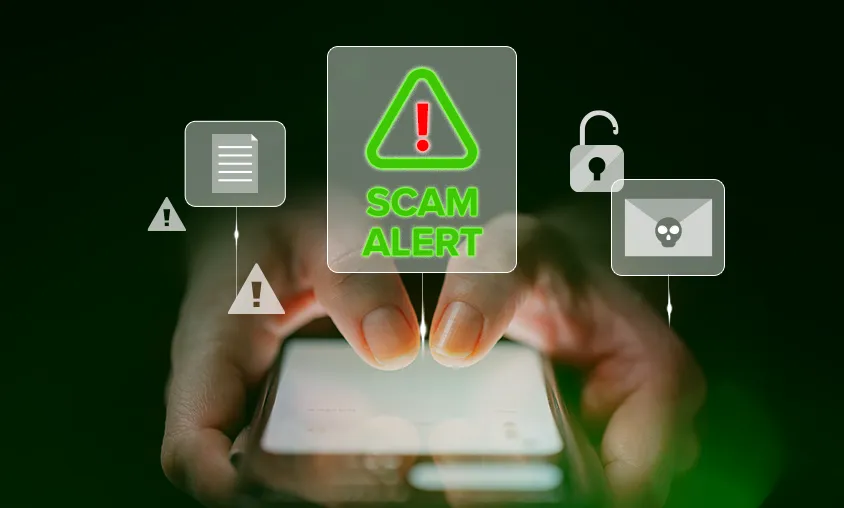
Cybercriminals may send malicious attachments through WhatsApp, SMS, email or other messaging apps. These files are often disguised as invoices, payment receipts, bank statements, delivery notifications or photos.
Opening these attachments may install malware that can steal your passwords, personal information or give attackers access to your device.
Not sure how to identify these malicious files? Pro tip: Be extra cautious of unexpected attachments. Look at the file name and never open files ending in: .vbs, .exe, .bat, .cmd, .js, .scr, .msi, .zip, .rar, and Microsoft Office macro-enabled files (.docm, .xlsm).
If you're not expecting the file, don't open it. When in doubt, verify with the sender through another communication channel before opening it.