14 May 2025
How Many Devices Can Your Fibre Connection Handle? A Practical Guide
Work and Learn



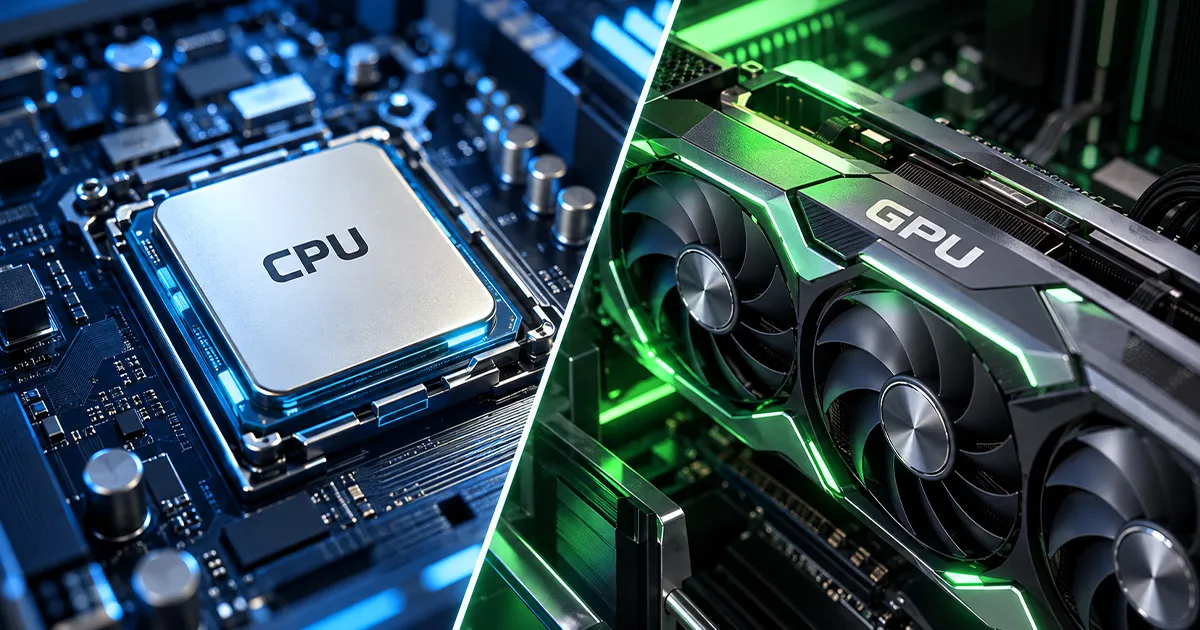
When it comes to gaming, many people focus on the graphics card first. While the GPU is important, the CPU also plays a key role in how smooth and responsive your games feel.
In simple terms, the CPU handles instructions, logic, and system tasks, while the GPU handles visuals. For the best gaming experience, both need to work well together.
Understanding the difference between CPU and GPU can help you choose the right gaming setup, avoid unnecessary upgrades, and get better performance based on the games you actually play.
The CPU, or central processing unit, is often described as the brain of your computer. It manages instructions, calculations, background tasks, and overall system performance.
In gaming, the CPU helps process:
This is why CPU gaming performance can matter more in games where many things are happening at once. Open-world games, strategy games, simulation games, and large multiplayer games often rely heavily on the CPU.
The GPU, or graphics processing unit, handles what you see on screen. It renders images, textures, lighting, shadows, animations, and visual effects.
A good GPU for gaming can improve:
If you want to play games at higher settings, 1440p, 4K, or high refresh rates, the GPU becomes especially important. Stronger GPUs can process more visual information and help games look smoother and sharper.
The CPU runs the game. The GPU shows the game.
For example, in a racing game, the CPU may calculate car physics, opponent behaviour, and player input. The GPU renders the cars, roads, lighting, reflections, and motion.
In a strategy game, the CPU may manage hundreds of units, commands, and AI decisions, while the GPU displays the battlefield, animations, and effects.
Both are important. If one component is too weak, it can limit the overall gaming experience.
For most modern games, the graphics card usually has a bigger impact on visual quality and FPS. If your game looks blurry, runs at low frame rates, or struggles at higher graphics settings, the GPU is often the first component to check.
However, the CPU still matters. A weak CPU can affect responsiveness, cause stuttering, or limit performance in games that involve complex calculations.
In simple terms:
The right priority depends on the type of games you play, your monitor, and your performance expectations.
A good GPU for gaming depends on your needs. Not every gamer needs the most expensive graphics card.
As a simple guide:
| Gaming Need | GPU Requirement |
|---|---|
| 1080p gaming | Mid-range GPU |
| 1440p gaming | Stronger GPU |
| 4K gaming | High-end GPU |
| Competitive gaming | GPU that supports high FPS |
| Casual gaming | Entry-level to mid-range GPU may be enough |
You should also consider your monitor. If your monitor is 60Hz, you may not need a GPU designed for very high FPS. If you use a 120Hz, 144Hz, or higher refresh rate monitor, a stronger GPU can help you make better use of the display.
Your game type also matters. Visually demanding games need more GPU power, while simpler or older games may run well on modest hardware.
A bottleneck happens when one component limits the performance of the rest of the system.
For example:
A bottleneck does not always mean your system is unusable. It simply means one part of your setup is holding back the others.
Before upgrading your CPU or GPU, identify what is actually limiting your gaming experience. Consider these tips:
The best upgrade is not always the most expensive one. It is the one that solves your actual performance issue.
Good hardware isn’t enough for online gaming. You also need a stable internet.
A reliable connection helps with:
For home gaming, Maxis Home Fibre can support households with multiple users and connected devices, especially when gaming, streaming, studying, or working online happen at the same time.
For mobile gaming and gaming on the go, users can explore Maxis Postpaid plans for everyday connectivity.