03 Sep 2025
iPhone Coverage & Care: What Every iPhone Owner Should Know
Lifestyle



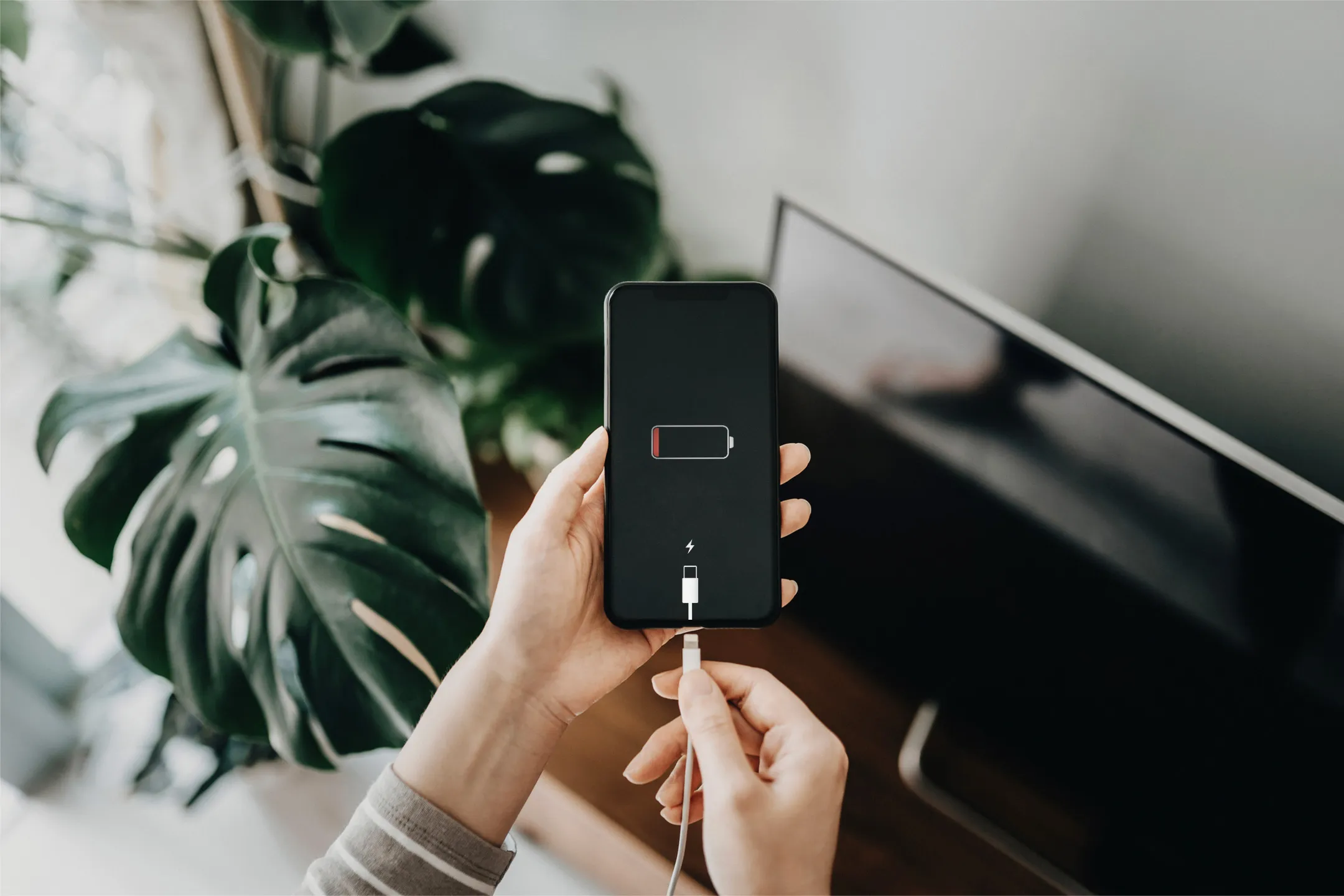
Keeping your smartphone battery alive from morning to night can be challenging, especially when your phone supports work, entertainment, navigation, and communication throughout the day. Whether you're scrolling, streaming, or snapping photos, it's easy for your battery to drain faster than you'd like.
If you’re looking for practical advice on how to save phone battery on an iPhone or Android device, these universally applicable habits can help extend battery life on most smartphones.
Your smartphone display is one of the largest consumers of battery power. Bright screens, high refresh rates, and extended screen-on time can significantly reduce battery life over the course of a day.
However, a phone that automatically adapts brightness to your surroundings tends to use power more efficiently. Your phone includes automatic brightness adjustment in the display and brightness settings. Open settings, tap display and brightness, and turn on auto-brightness.
It's a simple tip for saving phone battery life without constant manual adjustments. When your screen dims in dark environments and brightens in sunlight, the system conserves energy based on the actual lighting conditions around you. This single change can add hours to your daily battery life.
Even when you're not using them, apps can continue to update or refresh quietly in the background. Social media platforms, email clients, and news apps often fetch new content without you opening them.
Reviewing which apps truly need constant updates and restricting background activity for others helps reduce unnecessary battery drain. This habit is one of the most effective ways to save phone battery life, especially for iPhone, because it prevents your device from expending energy on tasks that don’t directly benefit you in the moment.
Location tracking is helpful for navigation, ride-hailing, weather updates and fitness tracking. However, allowing every app continuous access to location data can significantly impact battery performance.
Limiting location access to only essential apps and using location features only when required prevents your phone from constantly communicating with GPS and network signals. This practice applies universally and is especially helpful for users researching how to save phone battery, regardless of whether they use an Apple iPhone or an Android device.
Most modern smartphones, including iPhones would include power-saving or battery optimisation modes designed to extend usage when battery levels drop. These features typically reduce background processes, visual effects, and non-essential performance functions.
Using these modes during long days, travel, or low-battery situations is a simple way to save your android or iPhone battery life without needing constant manual adjustments. Over time, these optimisations can help maintain overall battery efficiency and reduce the frequency of charging.
Software updates often include improvements related to system efficiency and battery management. Developers regularly refine how apps and operating systems use power, fix bugs that cause excessive drain and improve background processing.
Keeping your smartphone up to date ensures you benefit from these optimisations. This applies across platforms and is relevant whether users are concerned about tips for saving an iPhone’s battery life or improving battery performance on other smartphones.
Every notification triggers multiple actions, lighting up the screen, waking the processor and activating system alerts. Over time, excessive notifications can contribute to unnecessary battery use.
Disabling non-essential alerts and prioritising only important notifications reduces both distractions and power consumption. Fewer screen activations throughout the day can noticeably improve your phone battery longevity be it for iphone or any other android smartphone, especially for users who receive frequent app alerts.
Wi-Fi, Bluetooth, or device-to-device sharing features often stay active even when you don’t need them. These wireless radios continuously search for connections, which drains power.
Managing these settings more intentionally helps prevent unnecessary battery use, particularly in low-signal areas where your phone works harder to stay connected. Turn off Bluetooth when you're not using it and disable Wi-Fi when you're travelling or using mobile data.
Turning off unused connections and being mindful of signal strength can help conserve energy. In low-reception environments, phones work harder to stay connected, which accelerates battery drain across all smartphone brands.
Even the most careful users can face unexpected accidents or wear and tear. With Maxis Device Care, you'll get extra protection for your phone from accidental damage to extended warranty coverage.
The program, insured by AIA, offers three months of free device protection when you purchase your device through Maxis. Coverage includes screen crack replacements and accidental damage protection. This means drops, spills and other mishaps will not leave you with a broken device and an empty wallet.
For those considering an upgrade, Maxis also offers a convenient trade-in program when you trade-in your preloved smartphone for a better phone upgrade. The Maxis Trade In app runs diagnostics on your current phone to determine its value, making the upgrade process smooth and cost-effective. It's an easy way to keep your device running at its best for longer, no matter what happens.
Smartphone batteries power nearly every part of modern life, and thoughtful usage habits can make a significant difference in how long your device lasts each day. By following a few smart habits and pairing your device with Maxis Device Care, you can enjoy peace of mind knowing your phone stays powered and protected wherever you go.
Instead of worrying about how to save phone battery on an iPhone or Android smartphone or comparing platforms, focus on consistent, device-agnostic practices. Start with a few small changes, build them into habits and enjoy longer battery life with fewer interruptions throughout your day.