Frequently Asked Questions
Guide for Brovi H153 Router with Wifi Mesh 3 and Tozed S200 Router with Mesh W304M
-
-
Guide for Brovi H153 Router and Wifi Mesh 3
Guide for Tozed S200 Router and Mesh W304M
-
Guide for Brovi H153 Router and Wifi Mesh 3
Guide for Tozed S200 Router and Mesh W304M
-
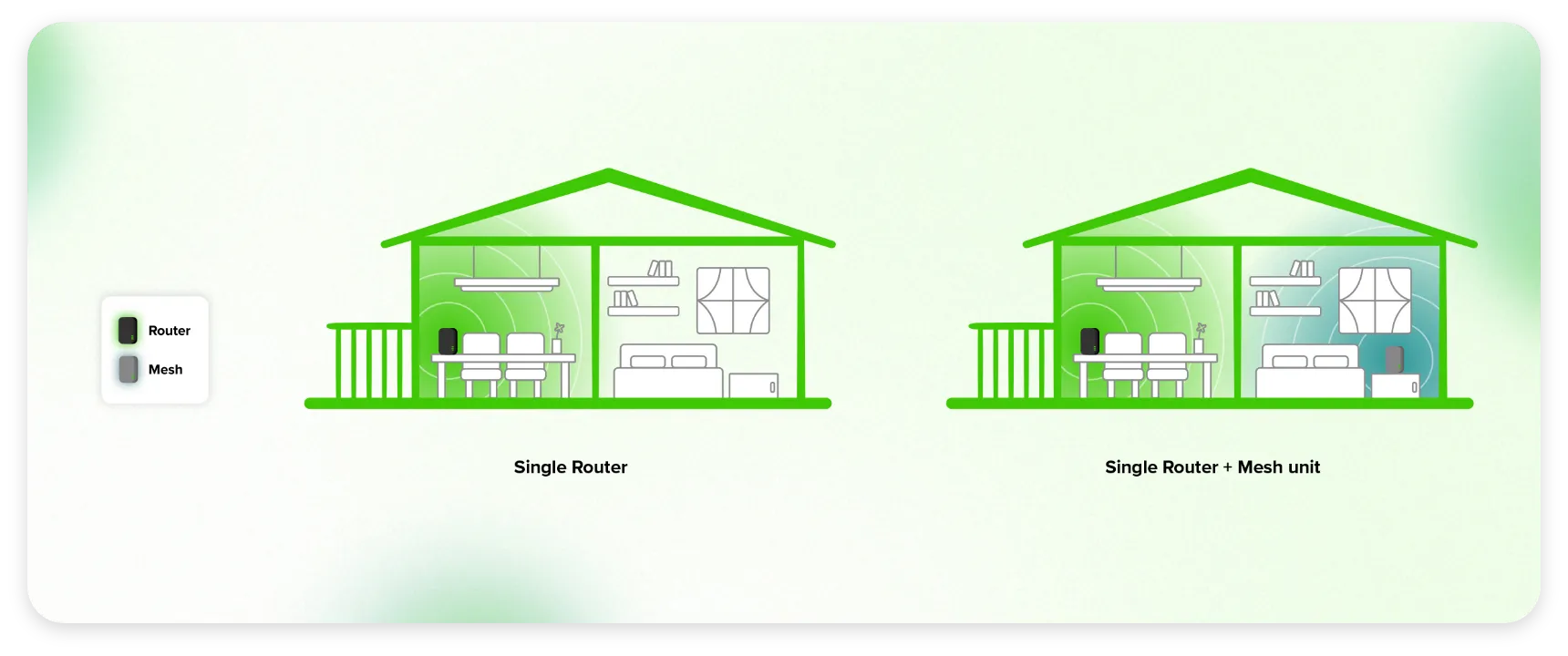
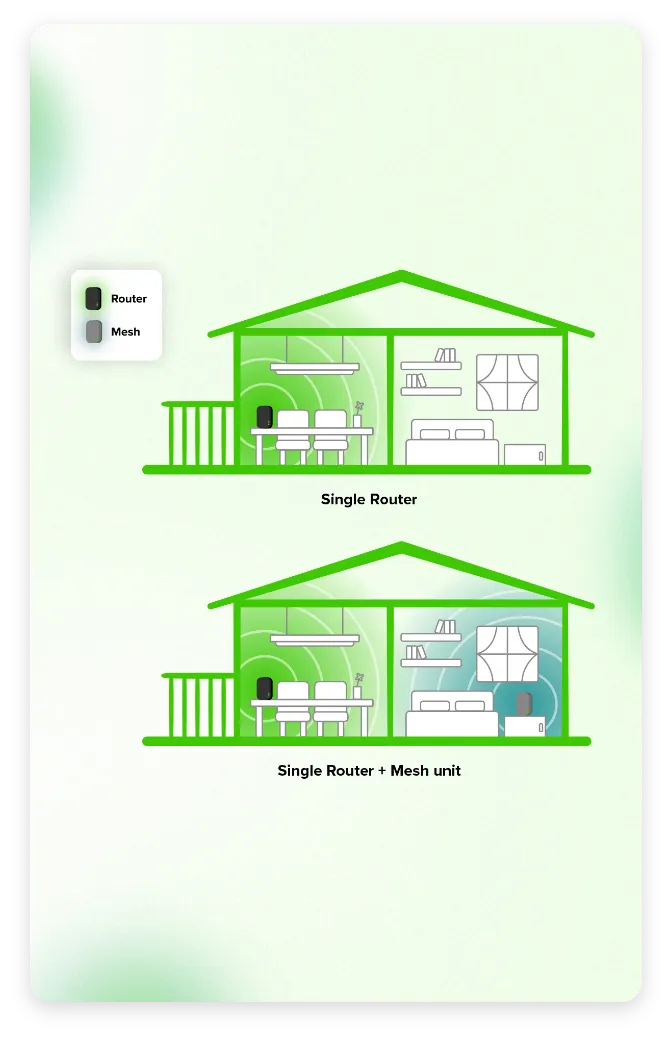
Follow these simple placement tips for your Brovi H153 router and WiFi Mesh 3+ unit:
Your Brovi H153 router: Choose a location that offers the clearest path to our 5G network. This typically means near an outward-facing window or on an indoor balcony, always ensuring it's close to a power outlet.
Your WiFi Mesh 3+ unit: To ensure seamless coverage, position your mesh unit no more than 10 metres away from your main Brovi H153 router. Ideally, keep them on the same floor.
Quick Note: Be aware that dense materials like concrete walls and metal doors can interfere with your 5G signal. For the strongest connection, avoid placing your 5G router in areas like basements.
Follow these simple placement tips for your Tozed S200 router and WiFi Mesh W304M unit:
Your Tozed S200 router: Choose a location that offers the clearest path to our 5G network. This typically means near an outward-facing window or on an indoor balcony, always ensuring it's close to a power outlet.
Your WiFi Mesh W304M unit: To ensure seamless coverage, position your mesh unit no more than 10 metres away from your main Tozed S200 router. Ideally, keep them on the same floor.
Quick Note: Be aware that dense materials like concrete walls and metal doors can interfere with your 5G signal. For the strongest connection, avoid placing your 5G router in areas like basements.
