03 Dec 2025
What Is Mesh WiFi? How It Works & Solves Coverage Issues
Smart Technology



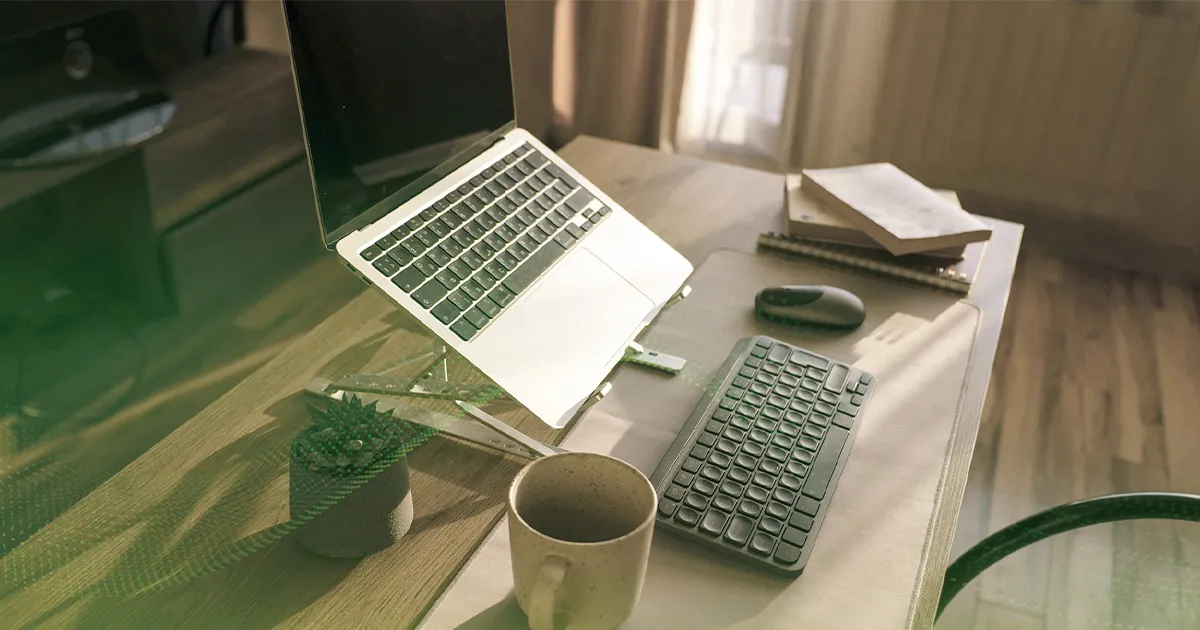
Working remotely often begins with convenience, but over time, small inefficiencies start to add up.
A chair that feels uncomfortable after a few hours. A table that is either too low or too cramped. Poor lighting that strains your eyes by mid-afternoon. Background noise that makes every meeting harder than it should be.
These are not major problems individually, but together, they shape the entire remote working experience.
A well-designed remote work setup is not about having more tools. It is about having the right ones. When chosen carefully, the right physical setup supports focus, reduces fatigue, and improves consistency throughout the workday.
This guide focuses on the essential elements that make a real difference: seating, workspace, lighting, and sound.
In a traditional office, these elements are often standardised.
At home, however, your environment becomes your responsibility. This is where many remote setups fall short. While tools like remote accessing software enable access to work systems, physical comfort determines how well you can actually perform.
A strong setup should:
Think of it as the foundation of your workday. Without it, even the best software and connectivity cannot deliver a smooth experience.
A chair is not just furniture. It directly affects posture, comfort, and long-term health.
Ergonomic chairs are designed to support the spine and reduce pressure during prolonged sitting. Features such as lumbar support, adjustable height, and breathable materials play a significant role in maintaining comfort.
A well-chosen chair helps:
Without proper support, discomfort builds gradually, often leading to fatigue and reduced productivity.
A good desk complements your chair.
The goal is to create a setup where your screen is at eye level and your arms rest comfortably while typing. Adjustable or standing desks are increasingly popular because they allow users to switch between sitting and standing positions throughout the day.
A functional desk should:
The combination of a good chair and table forms the core of any effective remote work setup.
Lighting is often overlooked, yet it has a direct impact on eye strain and concentration.
Poor lighting can lead to:
An eye-friendly desk lamp helps distribute light evenly and reduce glare, creating a more comfortable working environment. Proper lighting supports sustained focus, especially during extended screen use.
Natural light is ideal, but when that is not available, a good desk lamp becomes essential.
Remote work environments are rarely silent.
Background noise, whether from traffic, conversations, or household activity, can disrupt concentration. This is where noise-cancelling headphones become a practical solution.
They help:
For professionals relying on meetings and collaboration, this simple addition can significantly improve the overall remote working experience.
Each of these elements works together.
Individually, they solve specific problems. Together, they create a more stable and productive working environment.
A complete remote work setup is not about perfection. It is about consistency. When your environment supports you, your workflow becomes smoother and more predictable.
No matter how well your physical workspace is arranged, remote working ultimately depends on connectivity.
From accessing files through remote accessing software to joining meetings and managing collaborative tools, a stable connection is essential. Interruptions, lag, or inconsistent speeds can quickly disrupt an otherwise productive day.
This is where solutions like Maxis Home WiFi come into play.
Designed for modern work environments, it offers a plug-and-play approach that allows you to get connected without complex installation. For professionals who require dependable internet for work, especially across multiple devices, this simplifies the entire experience.
Key advantages include:
Whether you are working from a dedicated home office or a flexible environment, having reliable work internet ensures that your setup performs as intended.
Explore Maxis Home WiFi to support a more seamless and dependable remote working experience.
Remote work continues to evolve, but the fundamentals remain the same.
A well-designed workspace built around comfort, clarity, and focus allows professionals to perform consistently, regardless of location. Investing in the right setup is not about convenience alone. It is about sustainability.
When your environment supports your workflow, remote working becomes not just possible, but effective.