31 Dec 2025
10 Tech Gadgets That Will Transform Your Home Life: Essential Smart Home, Work, and Entertainment Devices
Lifestyle



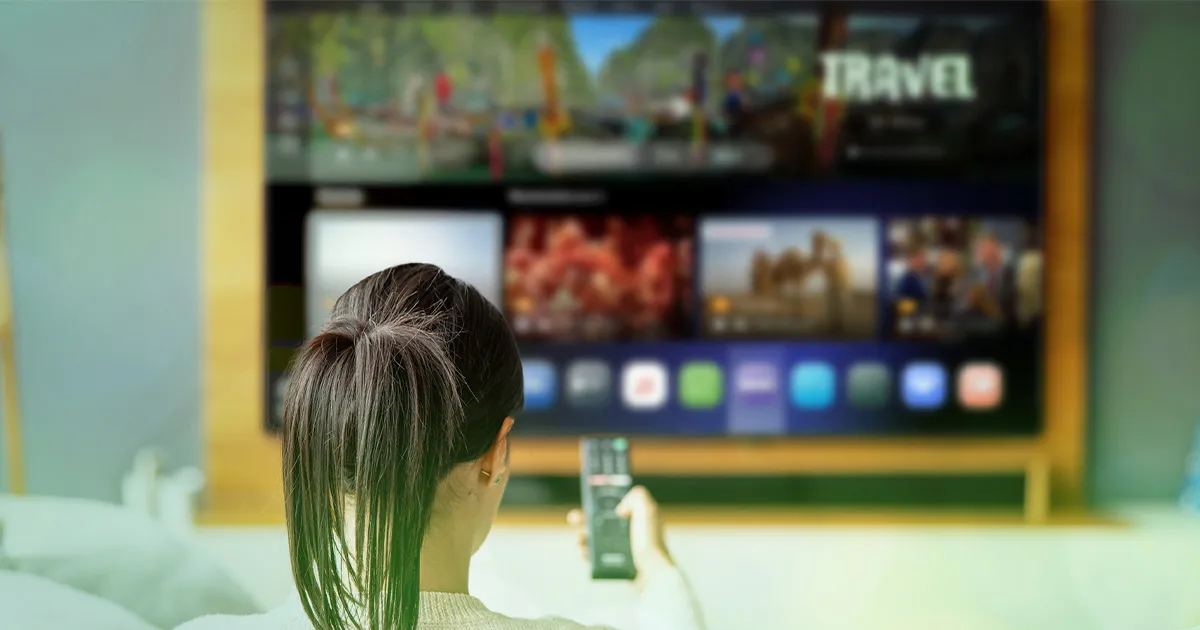
Buying a smart TV in Malaysia has never been more overwhelming — or more affordable. With dozens of models across every price range, the challenge is not finding a TV; it is knowing which one is actually worth buying for your home and how you watch.
This guide breaks down the best options by budget, what features actually matter, and what to look for before you buy.
A smart TV connects directly to the internet, giving you access to streaming apps — Netflix, YouTube, Disney+, and sooka — without needing a separate set-top box. Beyond connectivity, picture quality, operating system, and screen size determine whether a TV suits your home setup.
The four things that matter most:
For buyers who want a solid 4K television without overspending, Xiaomi and Hisense lead the category.
The Xiaomi TV A Pro 2026 4K QLED and Hisense 4K Quantum Dot ULED Google TV are among the best affordable smart TV options in Malaysia, offering strong picture quality and Google TV's app ecosystem at accessible price points.
Both run Google TV, which means full access to the Play Store, Google Assistant, and built-in Chromecast.
This is where everyday performance meets reliability.
The Samsung QLED QEF1 features a Q4 AI processor that auto-enhances picture and audio based on content, with Quantum Dot delivering 100% colour volume. It runs Samsung's Tizen OS with a clean, intuitive interface.
The LG 4K UHD AI Smart TV UA73 uses the α7 Gen8 AI Processor for image and audio sharpening, with webOS 25 for straightforward navigation and voice control via Alexa. A strong choice if you want a beginner-friendly OS with excellent app support.
For a premium cinema experience, the LG C-series OLED and Sony Bravia A-series are the benchmark choices that offer deep blacks, superior contrast, and reference-grade colour accuracy.
LG OLED TVs combine deep blacks and high contrast with AI-enhanced processing that adjusts each scene for the best visual and audio output. Sony's Bravia XR processor is similarly class-leading for natural image processing.
Screen size is one of the most common buying mistakes — too small for the room, and the picture lacks impact; too large for the viewing distance, and it becomes uncomfortable to watch.
A reliable rule: optimal 4K viewing distance is roughly 1 to 1.5 times the screen diagonal. For a 55-inch TV, that is approximately 1.4 to 2.1 metres. For a 65-inch TV, 1.6 to 2.4 metres.
As a general guide:
| Room Type | Recommended Size |
|---|---|
| Bedroom / compact space | 43–50 inch |
| Standard living room | 55–65 inch |
| Open-concept / large living area | 65–75 inch and above |
The operating system determines which apps are available, how smoothly the interface runs, and how often the TV receives software updates. This matters more than most buyers realise at point of purchase.
| OS | Found On | Strengths |
|---|---|---|
| Google TV / Android TV | Sony, Xiaomi, Hisense, TCL | Widest app selection, Google Assistant |
| Tizen OS | Samsung | Clean UI, fast performance |
| webOS | LG | Beginner-friendly, strong app support |
A 4K television streaming HDR content uses roughly 15–25GB of data per hour. Add a second screen, a gaming device, and a few smart home products, and a slow or unstable broadband connection becomes the weakest link in your home entertainment setup — regardless of how good the TV panel is.
Maxis Home Fibre offers plans from 100Mbps up to 2Gbps, suited to households of different sizes and usage habits:
Not sure which speed tier suits your home? The Maxis Home Fibre plan comparison page lets you match speed to household size, and the coverage checker confirms availability at your address before you sign up.
It is also worth noting that Maxis Home Fibre plans come with a WiFi 6 router as standard, with WiFi 7 available on the 1Gbps and 2Gbps tiers — ensuring your smart TV and connected devices get the full benefit of your broadband speed. If coverage is uneven across rooms, MaxWifi can eliminate dead zones so your TV streams cleanly from any corner of the home.
For households deciding between fixed fibre and wireless broadband, the Maxis guide on Home Fibre vs Home WiFi is a useful reference before committing.
The best smart TV is the one that fits your room size, viewing habits, and budget — not necessarily the most expensive one on the shelf. Start with your budget tier, shortlist two or three models, and, where possible, view them in person before deciding.
Once it is on your wall, make sure the connection behind it can match the picture in front of you.