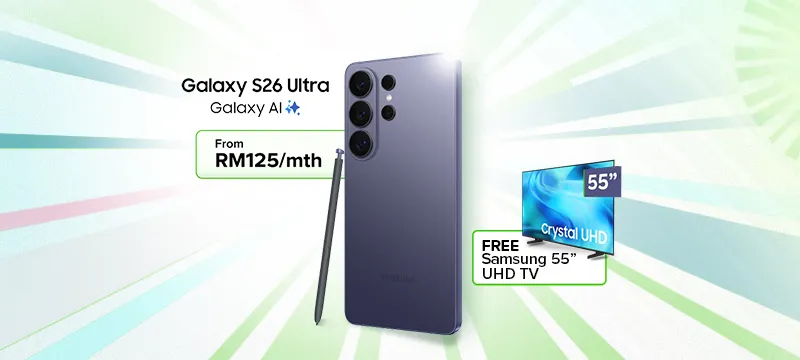
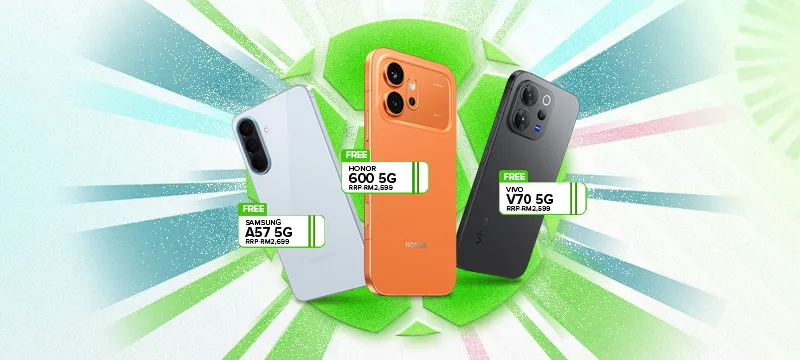
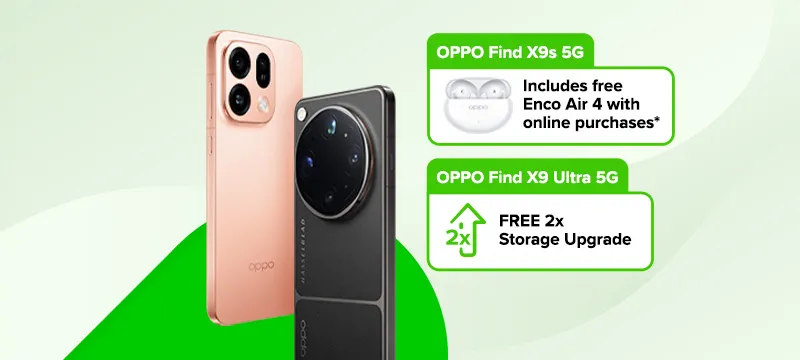
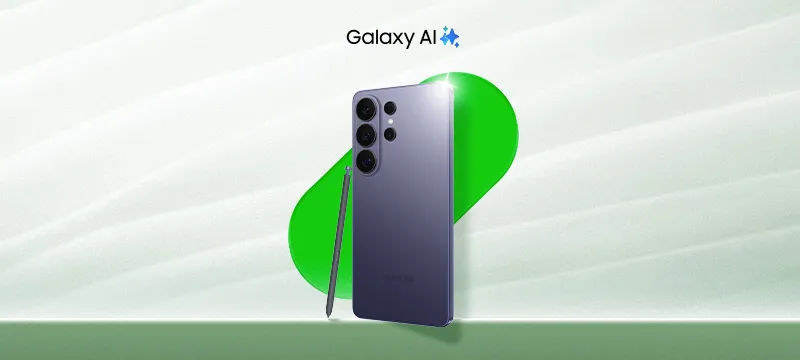
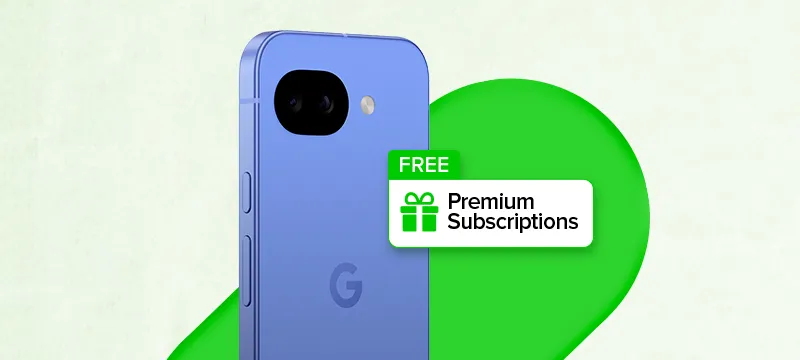
Limited-time deals on a wide range of FREE phones, including iPhone, Samsung, and more.
Celebrate exciting
deals with Maxis
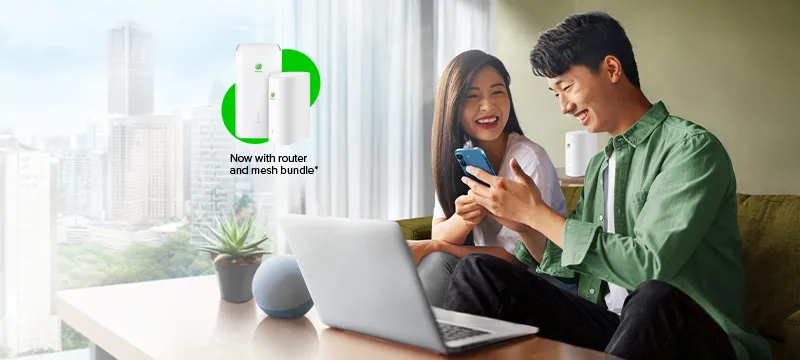
Limited-time offers on mobile and home devices, with exclusive free gifts.
Terms and conditions apply.
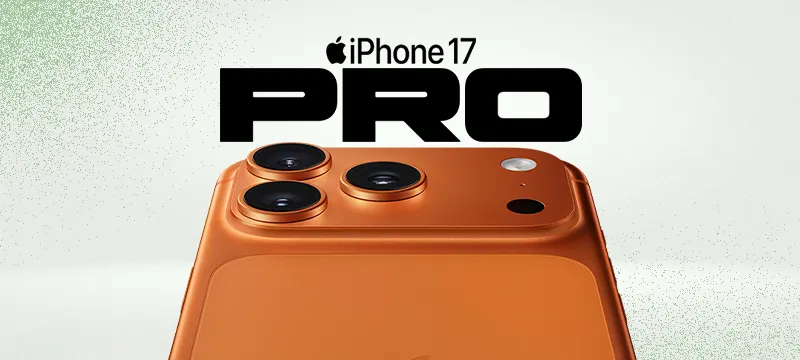
Your next iPhone,
on us
Enjoy exciting offers on selected iPhones. Limited-time only.
Unwrap free gifts
with big screen TVs
Pair Maxis Home Fibre with selected Samsung or Sony TVs to enjoy a free gift.
Elevate moments with new accessories
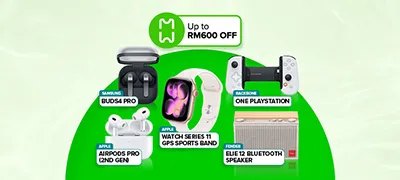
Enjoy savings up to RM1,599. While stocks last.
Terms and conditions apply.
Discover exciting deals as we celebrate the moments that matter
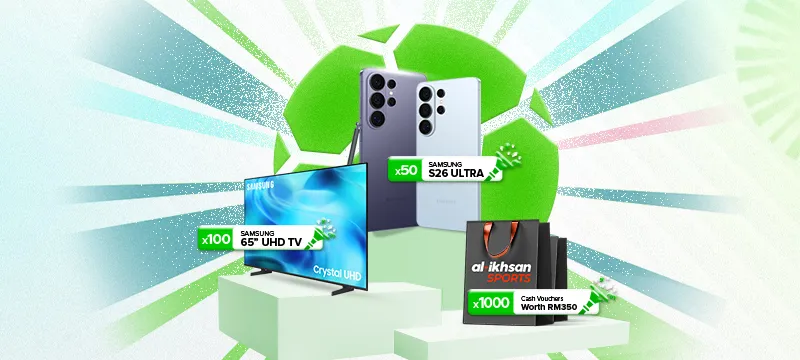
Upgrade your home entertainment when you pair Maxis Home Fibre with a Samsung 65" UHD TV or Samsung 75" QLED TV.
Simply pair Maxis Home Fibre with a selected Sony BRAVIA TV.
Enjoy a wide variety of accessory deals with savings up to RM1,599. Only while stocks last.
Explore our best deals here!
How to Redeem?
Read more about the Sony TNG offer here.
How to Register Your Warranty via your BRAVIA TV
Follow these steps carefully
Step 1
After receiving your TV, begin your TV set-up. During the final step of the first-time set-up, you'll be prompted to enter your email to register your warranty.
Step 1
After receiving your TV, begin your TV set-up. During the final step of the first-time set-up, you'll be prompted to enter your email to register your warranty.
Step 2
Check your inbox for an email titled "Thank You for Registering Your Bravia." Click "Upload Receipt."
Step 2
Check your inbox for an email titled "Thank You for Registering Your Bravia." Click "Upload Receipt."
Step 3
Select "Choose File" and upload your receipt.
Step 3
Select "Choose File" and upload your receipt.
Step 4
Your TNG reward will be sent within 90 days.
Step 4
Your TNG reward will be sent within 90 days.
How to Register Your Warranty via your BRAVIA TV
Follow these steps carefully
Step 1
After receiving your TV, begin your TV set-up. During the final step of the first-time set-up, you'll be prompted to enter your email to register your warranty.
Step 1
After receiving your TV, begin your TV set-up. During the final step of the first-time set-up, you'll be prompted to enter your email to register your warranty.
Step 2
Check your inbox for an email titled "Thank You for Registering Your Bravia." Click "Upload Receipt."
Step 2
Check your inbox for an email titled "Thank You for Registering Your Bravia." Click "Upload Receipt."
Step 3
Select "Choose File" and upload your receipt.
Step 3
Select "Choose File" and upload your receipt.
Step 4
Your TNG reward will be sent within 90 days.
Step 4
Your TNG reward will be sent within 90 days.
How to Register Your Warranty via My Sony Rewards
Follow these steps carefully
Step 1
After receiving your TV, find your serial number.
Step 1
After receiving your TV, find your serial number.
Step 2
Register your product warranty and upload your receipt at My Sony Rewards.
Step 2
Register your product warranty and upload your receipt at My Sony Rewards.
Step 3
Log in to My Sony Rewards, click "My Profile", then go to "Account Settings" to update your mailing address and phone number.
Step 3
Log in to My Sony Rewards, click "My Profile", then go to "Account Settings" to update your mailing address and phone number.
Step 4
Your TNG reward will be sent within 90 days.
Step 4
Your TNG reward will be sent within 90 days.